
Auto-assign by rules
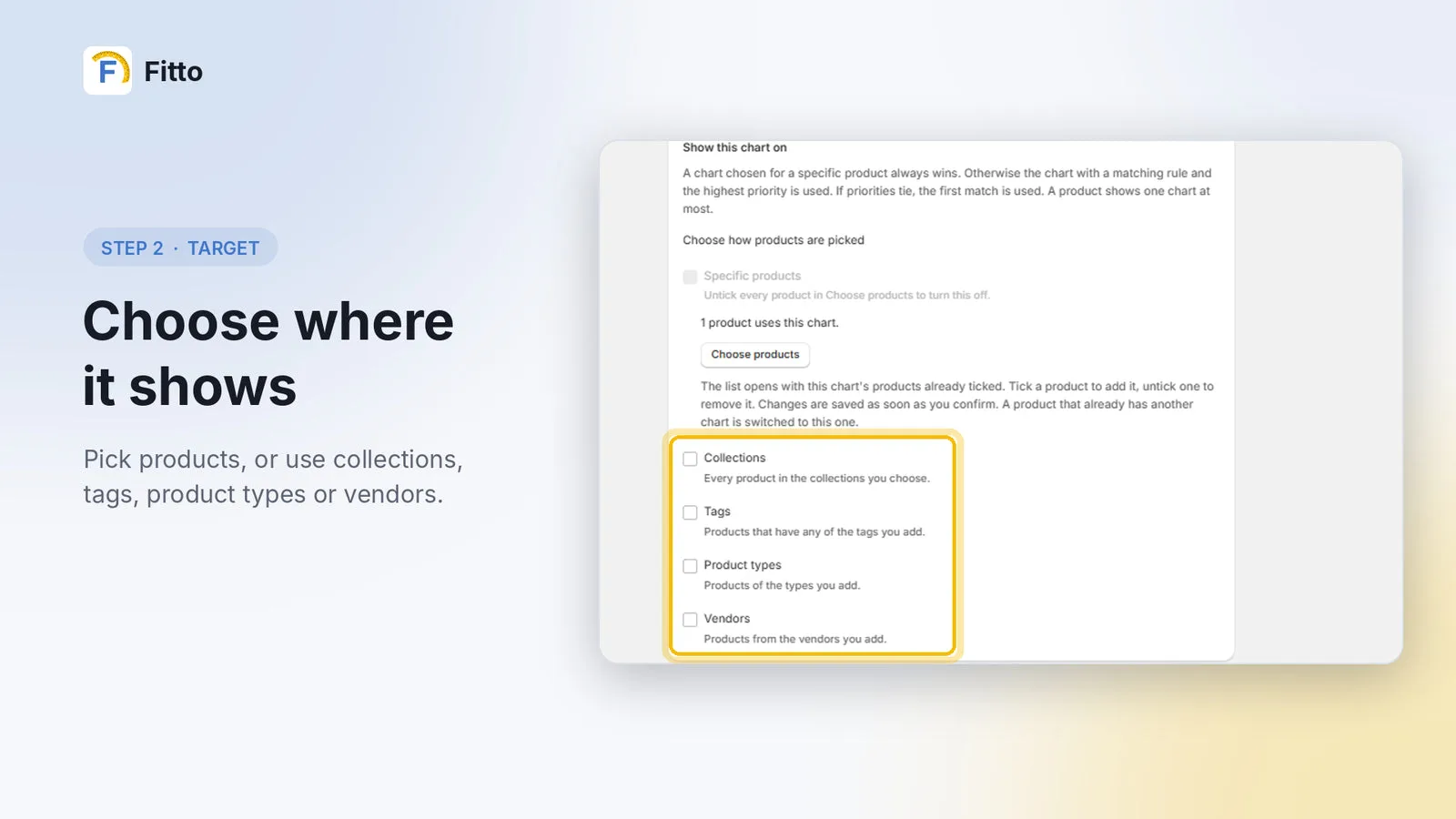
Show a chart on specific products, or automatically by collection, tag, product type, SKU prefix or vendor.
The right size chart on every product, automatically. Build a size chart once and Fitto shows it as a mobile-friendly size guide on every matching product. Fewer sizing questions, fewer size returns.
Show a chart on specific products, or automatically by collection, tag, product type, SKU prefix or vendor.
Decide which chart wins when more than one matches, so every product shows exactly the right one.
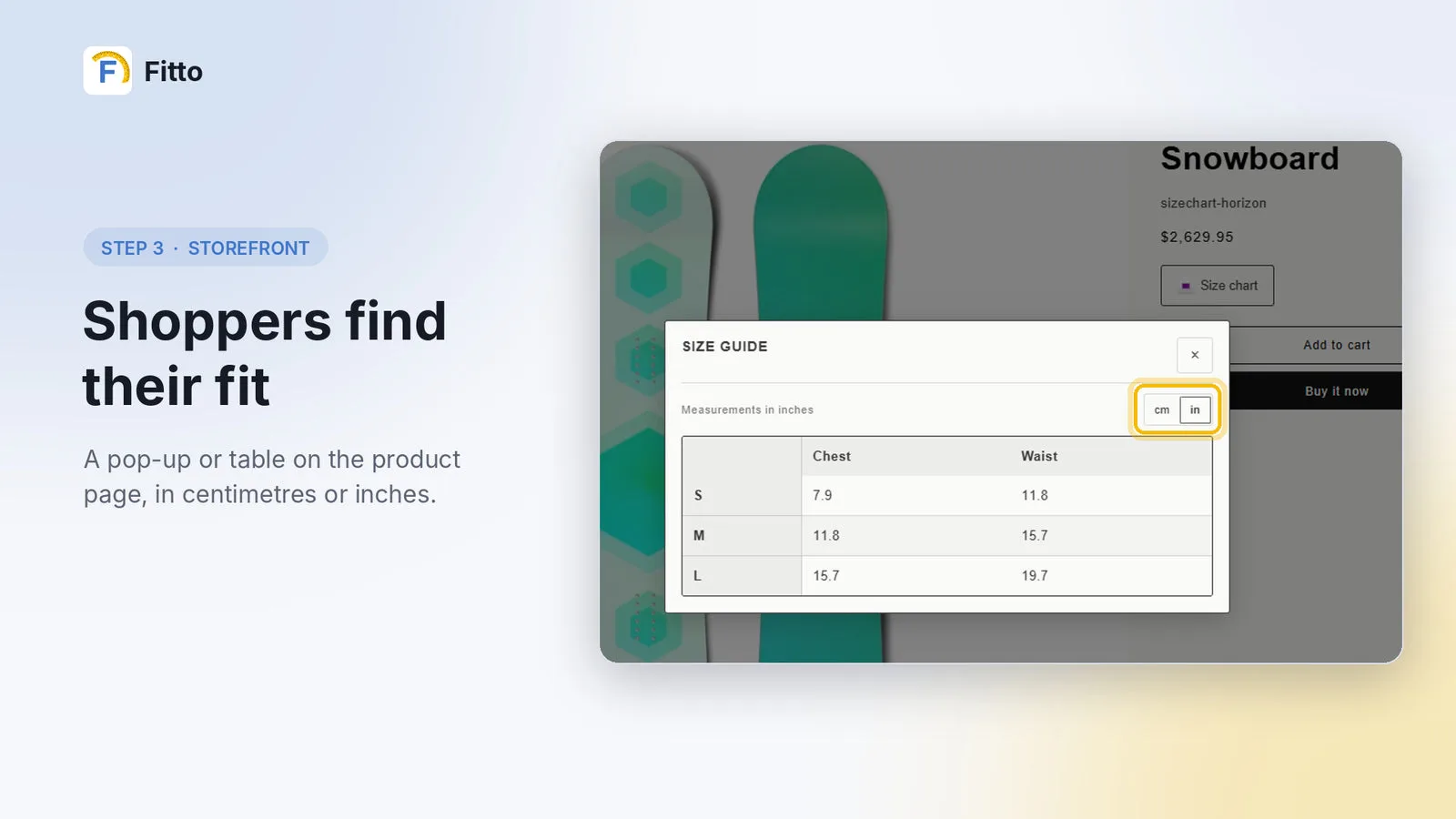
Shoppers switch between cm and inches in a mobile-friendly pop-up or a table on the product page.
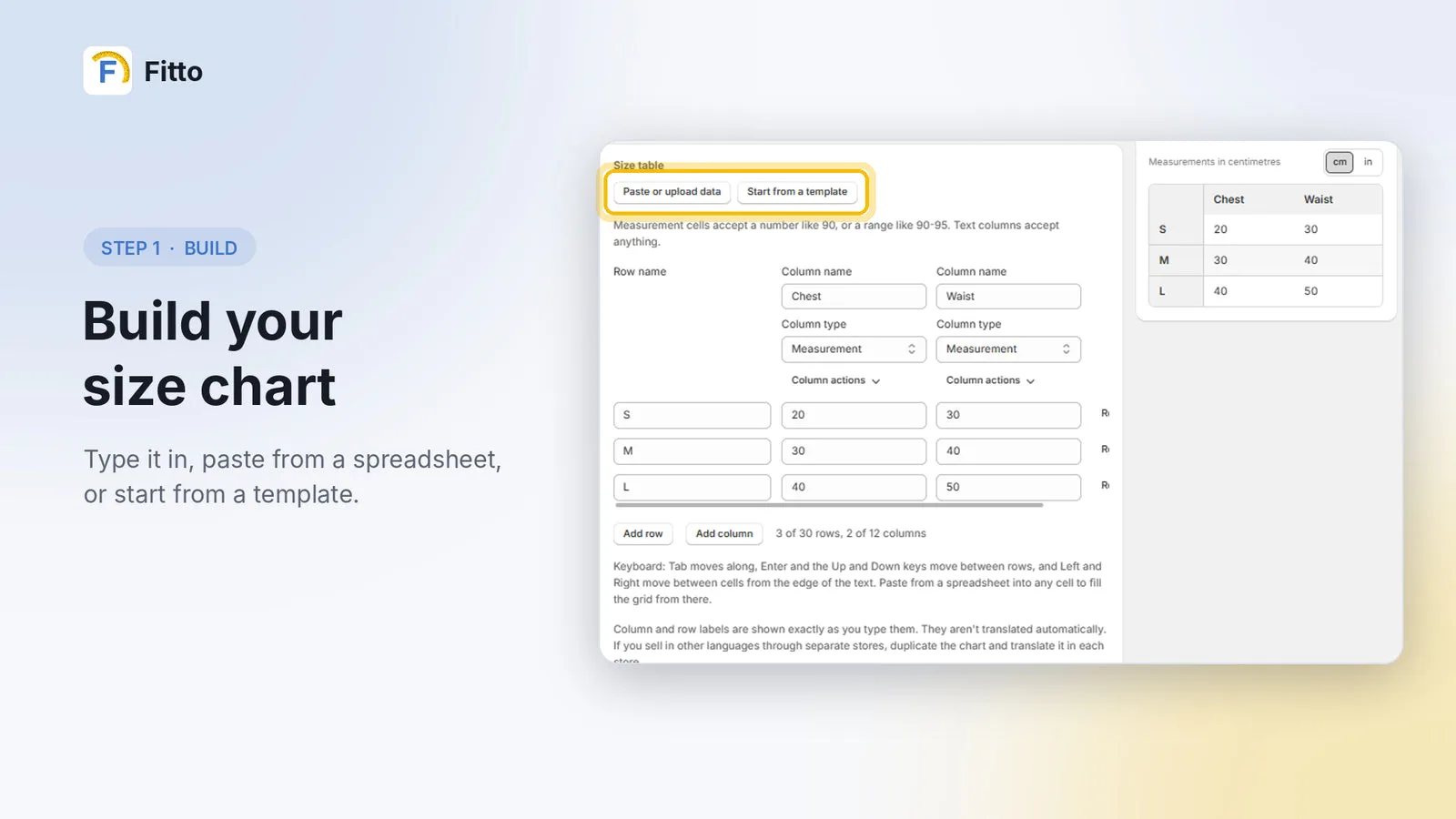
Type your chart in, paste it straight from a spreadsheet, or start from a ready-made template.
Add measuring notes and an optional how-to-measure image to every chart, so shoppers measure correctly.
Shoppers enter their measurements and Fitto suggests the size that fits them best (Plus plan).
 01
Type it in, paste from a spreadsheet, or start from a template.
 02
Pick products, or use collections, tags, product types or vendors.
 03
A pop-up or table on the product page that matches your theme, in centimetres or inches.
$0
Free forever
$7.99/month
or $79/year (save 18%) · 7-day free trial
$19.99/month
or $199/year (save 17%) · 7-day free trial
Flat pricing with no usage fees. Billed in USD through Shopify every 30 days.
Yes. The Free plan includes up to 3 size charts assigned to specific products, with the pop-up or table, the centimetre / inch switch and theme matching. Pro and Plus both come with a 7-day free trial.
Yes. On Pro and Plus you can assign a chart by collection, tag, SKU or vendor, and set priorities for when more than one chart matches a product.
No. Paste your chart straight from a spreadsheet, or start from a template and edit it.
Yes. Shoppers open a mobile-friendly pop-up and can switch between centimetres and inches.
On the Plus plan, shoppers enter their measurements and Fitto suggests the size most likely to fit them.
No. Every plan is a flat monthly or yearly price, with no usage-based charges.
I build custom apps, Shopify Functions and checkout extensions. Tell me what you need.